Salta al contenuto

PHP Fatal error: Using $this when not in object context

Pubblicato il Aggiornato il

In breve: PHP this not in object context — indica che il codice usa $this fuori da un metodo di istanza.

Cosa indica il problema

PHP this not in object context — indica che il codice usa $this fuori da un metodo di istanza. La diagnosi deve collegare la prova, l’orario e il primo evento utile nei log prima di cambiare la configurazione.

PHP Fatal error: Using $this when not in object context: sintomo, causa e verifica
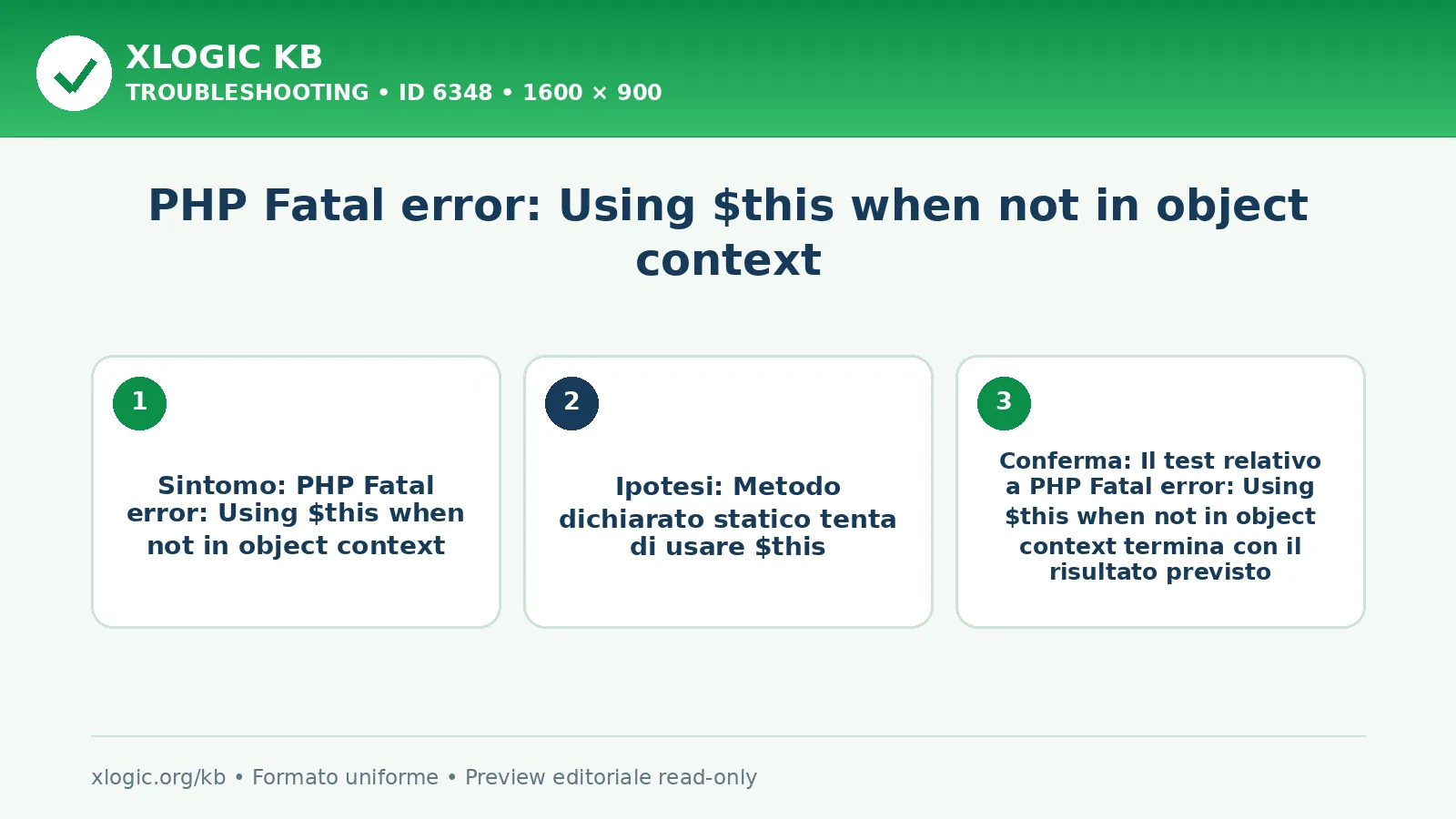
PHP Fatal error: Using $this when not in object context: sintomo osservato, causa da confermare e risultato atteso.

Sintomi e cause probabili

Sintomi da verificare

  • Il comportamento descritto da “PHP Fatal error: Using $this when not in object context” si ripete nella stessa operazione
  • Il controllo di messaggio completo, orario, configurazione e log produce un dato coerente con lo stesso orario
  • Un tentativo comparabile permette di capire se l’anomalia è generale o limitata a un solo elemento

Cause probabili

  • Metodo dichiarato statico tenta di usare $this
  • Callback di classe viene invocata senza un’istanza
  • Closure non è associata all’oggetto previsto
  • Codice spostato fuori dalla classe conserva riferimenti a $this

Controlli da eseguire

  1. Apri il file e la riga indicati dal fatal error
  2. Verifica se metodo e callback sono statici o di istanza
  3. Segui il punto in cui la callback viene registrata
  4. Controlla come viene creata e passata l’istanza
  5. Riproduci il solo hook coinvolto su staging

Dati utili

  • PHP error_log
  • WordPress debug.log se applicabile
  • Versione, estensioni e configurazione PHP

Correzione sicura

  1. Invoca il metodo tramite un’istanza valida
  2. Rimuovi $this dal codice realmente statico
  3. Registra la callback con oggetto e metodo corretti
  4. Associa la closure all’oggetto soltanto quando previsto
  5. Aggiorna il componente se il difetto appartiene a codice di terzi
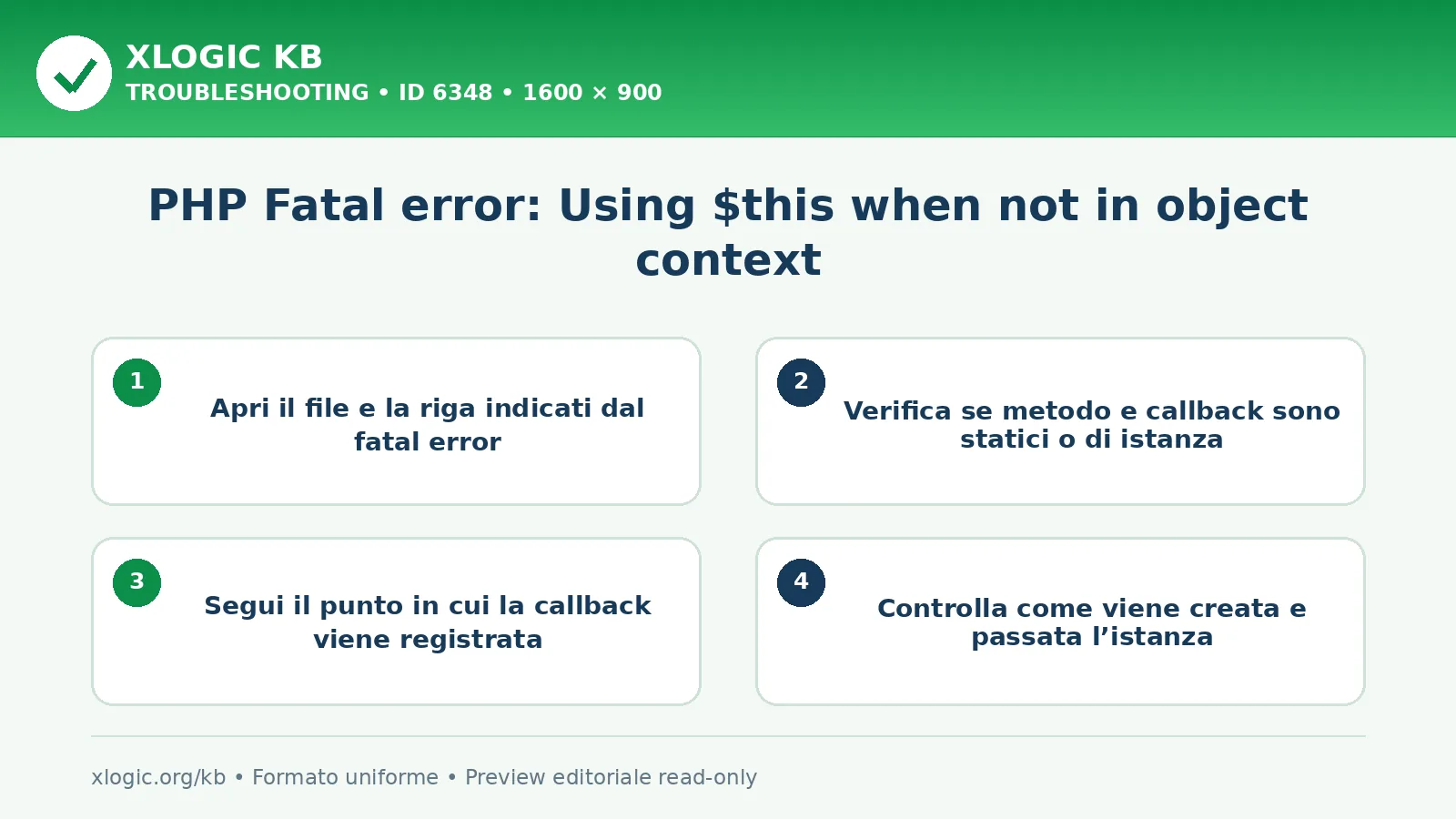
PHP Fatal error: Using $this when not in object context: controlli e correzione
PHP Fatal error: Using $this when not in object context: controlli operativi, correzione e verifica.

Verifica finale

  • Il test relativo a PHP Fatal error: Using $this when not in object context termina con il risultato previsto
  • Nei log successivi a PHP Fatal error: Using $this when not in object context non ricompare lo stesso errore
  • Le funzioni collegate a PHP Fatal error: Using $this when not in object context restano operative
  • La correzione relativa a PHP Fatal error: Using $this when not in object context resta valida in due prove consecutive

Errori da evitare

  • Non modificare più componenti durante la diagnosi di PHP Fatal error: Using $this when not in object context
  • Non cancellare dati per nascondere la situazione PHP Fatal error: Using $this when not in object context
  • Non disattivare globalmente le protezioni per aggirare PHP Fatal error: Using $this when not in object context
  • Non condividere credenziali o dati personali nei test di PHP Fatal error: Using $this when not in object context

Guide Xlogic correlate

Fonti tecniche

Domande frequenti

Che cosa significa “PHP Fatal error: Using $this when not in object context”?

PHP this not in object context — indica che il codice usa $this fuori da un metodo di istanza.

Qual è il primo controllo per “PHP Fatal error: Using $this when not in object context”?

Per PHP Fatal error: Using $this when not in object context, inizia da questi controlli: Apri il file e la riga indicati dal fatal error. Verifica se metodo e callback sono statici o di istanza.

Come verificare la soluzione di “PHP Fatal error: Using $this when not in object context”?

Per PHP Fatal error: Using $this when not in object context, conferma che: Il test relativo a PHP Fatal error: Using $this when not in object context termina con il risultato previsto. Nei log successivi a PHP Fatal error: Using $this when not in object context non ricompare lo stesso errore.

PHP Fatal error: Using $this when not in object context ultima modifica: 2026-08-03T20:30:35+02:00 da Team tecnico Xlogic

Ti è piaciuto questo Post?